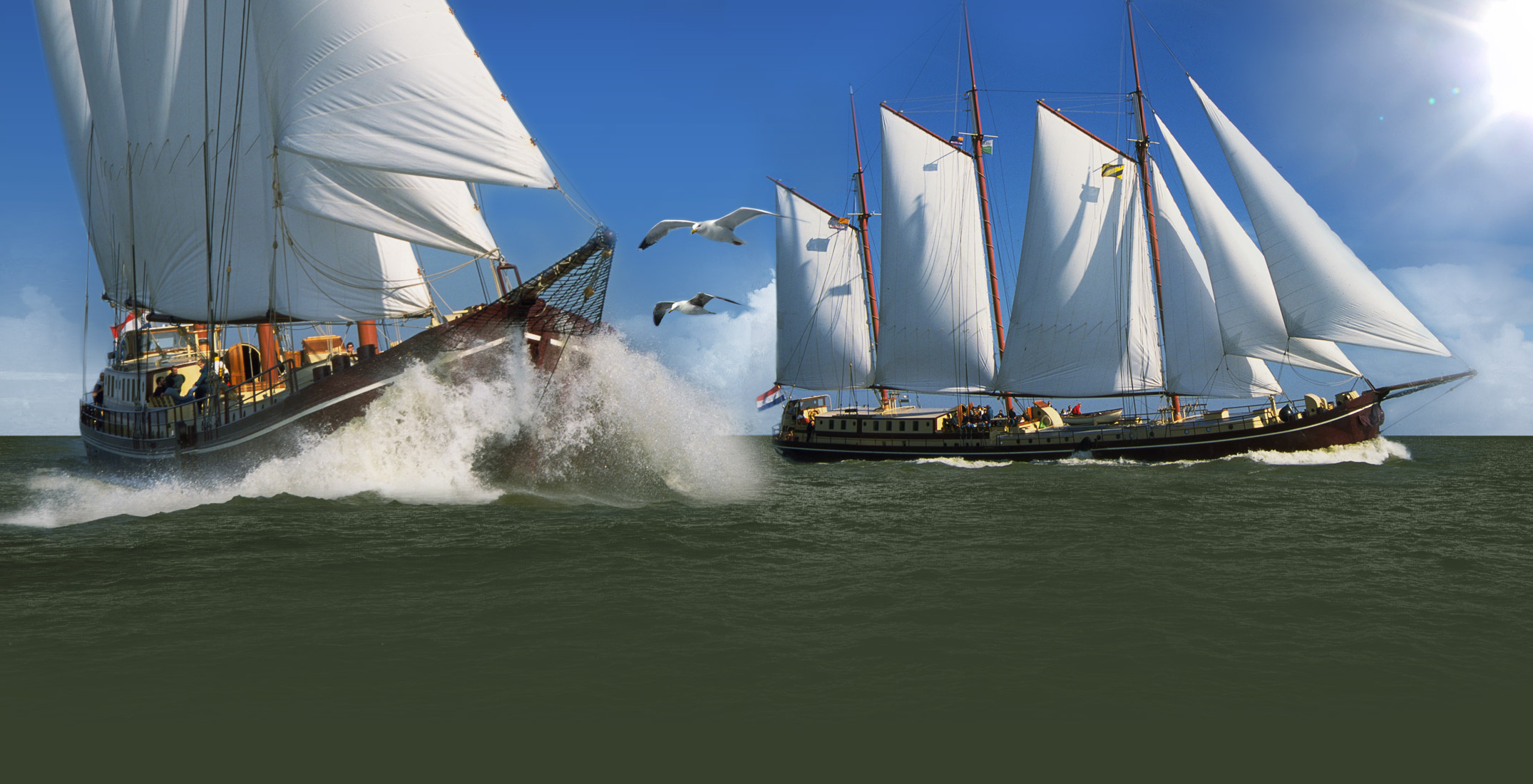
Panorama photos
The panorama photographs on the following pages have been made using a technique called QuickTimeVR.
If you are unable to view the panorama photograph, you can follow this link to the Apple site, where you can download the required software (plugin) free of charge.
This is not difficult and does not take very long, so it is well worth doing.
QuickTime is often used on websites for films among other things, so you will probably be able to use it on another occasion in the future. In our opinion this is basic software that is indispensable to those who use the internet frequently.
How does this work?
Click on the yellow text or on the spheres to view the interior of the ship.
Click on a sphere to go to a different page with a photograph. Many of these are magnificent panorama photographs that offer you an all-round 360-degree view of part of the ship!
The panorama photographs are extra-high quality to give you a good impression of the ship.
The disadvantage is that loading the photographs can take a few seconds. Unfortunately those with a modem may have to wait quite a long time. We apologize for this. You can also use the links in the list on the left.
What is this?
This is the floor plan of the ship.
The smaller section is the large deckhouse with seating area, bar and toilet.
The long section is the downstairs area, with the large salon, large kitchen, sauna and all the cabins, each with its own shower and toilet.
Select on the floor plan above or here:
Instead of using the floor plan, you can select one of the direct links below.
The panorama / QuickTimeVR pages are intended mainly for site visitors with a broadband connection (for large files).
1a. Large salon - Panorama QTVR
1b. Large salon
2a. Deckhouse - Panorama QTVR
2b. Deckhouse
3. Kitchen/galley
4. Cabin (single beds)
5a. Cabin (double bed)
5b. Cabin -(double bed) QTVR
6. Afterdeck
7. Midship deck